GourmetPix Photo Guide
Learn how to capture and upload the perfect food photos for stunning results
Follow these simple tips to capture photos that will transform beautifully
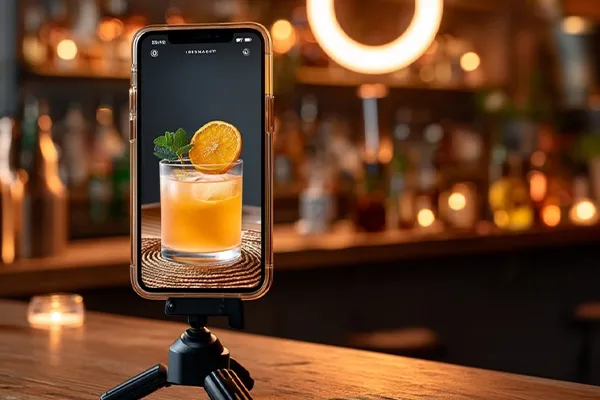
Good Lighting
Both natural and (sufficient) artificial light work well. Keep a good distance from light sources or direct the light against a wall for passive illumination.
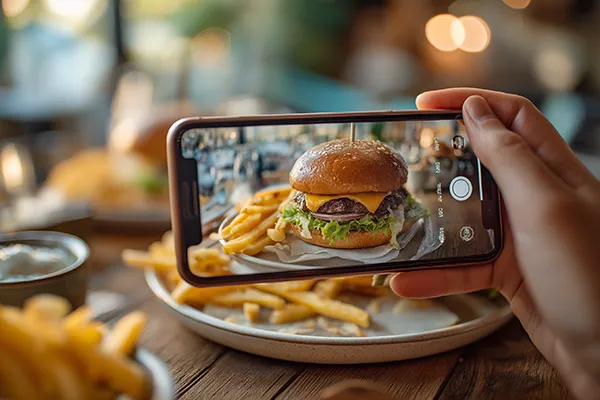
Sharp Focus
Make sure your food is fully in focus. Keep a distance of about 60cm / 2ft to have a good focus depth.
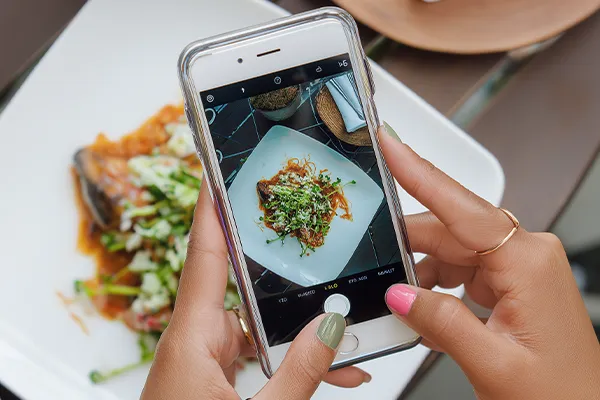
Right Angle
Shoot from a 45° angle or straight down. Keep in mind: Side views will show a background, which might distract from your food.
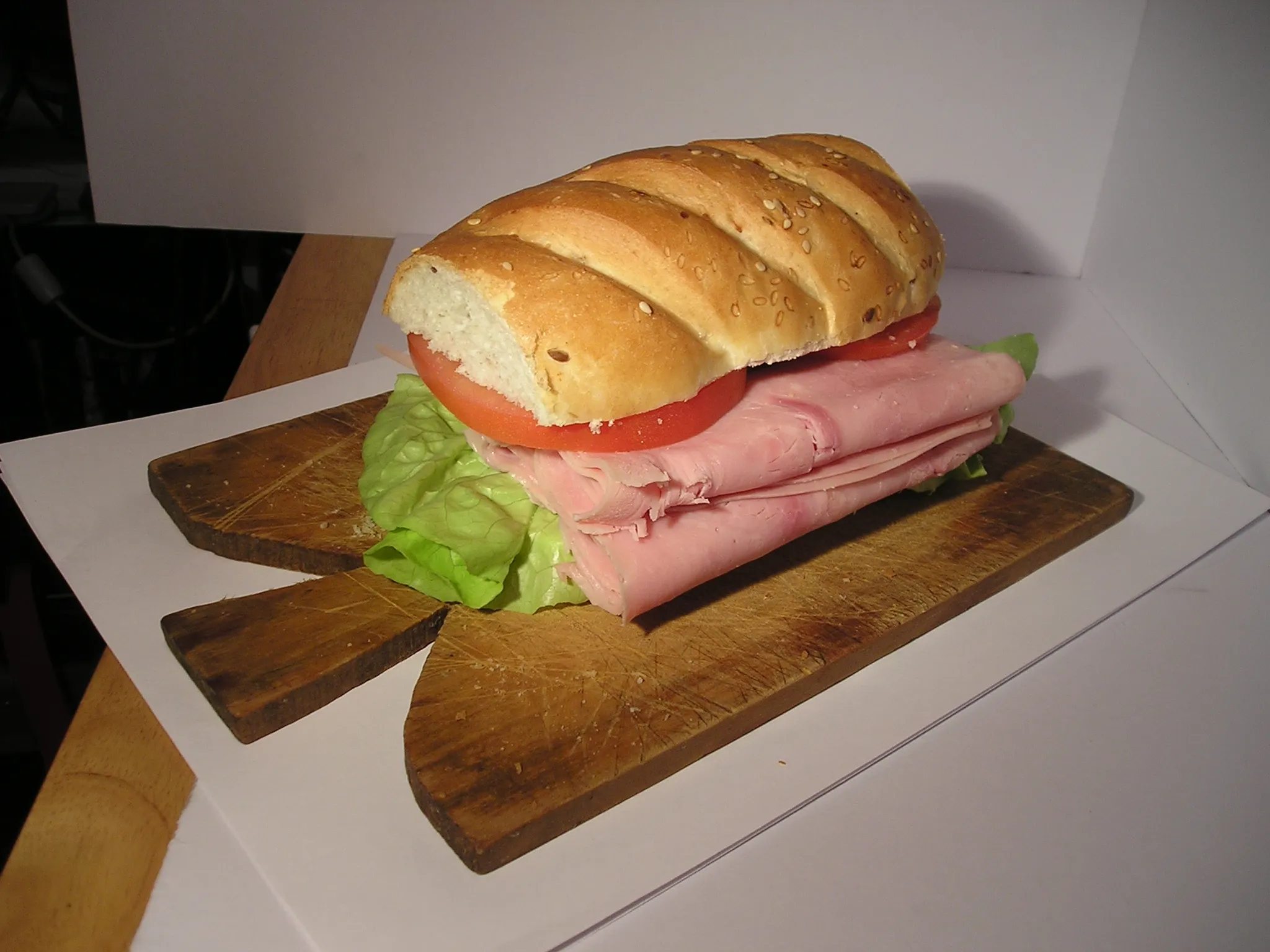
Colorful or harsh lighting
A direct flash causes harsh shadows. Colorful lights have a negative impact on your foods colors.
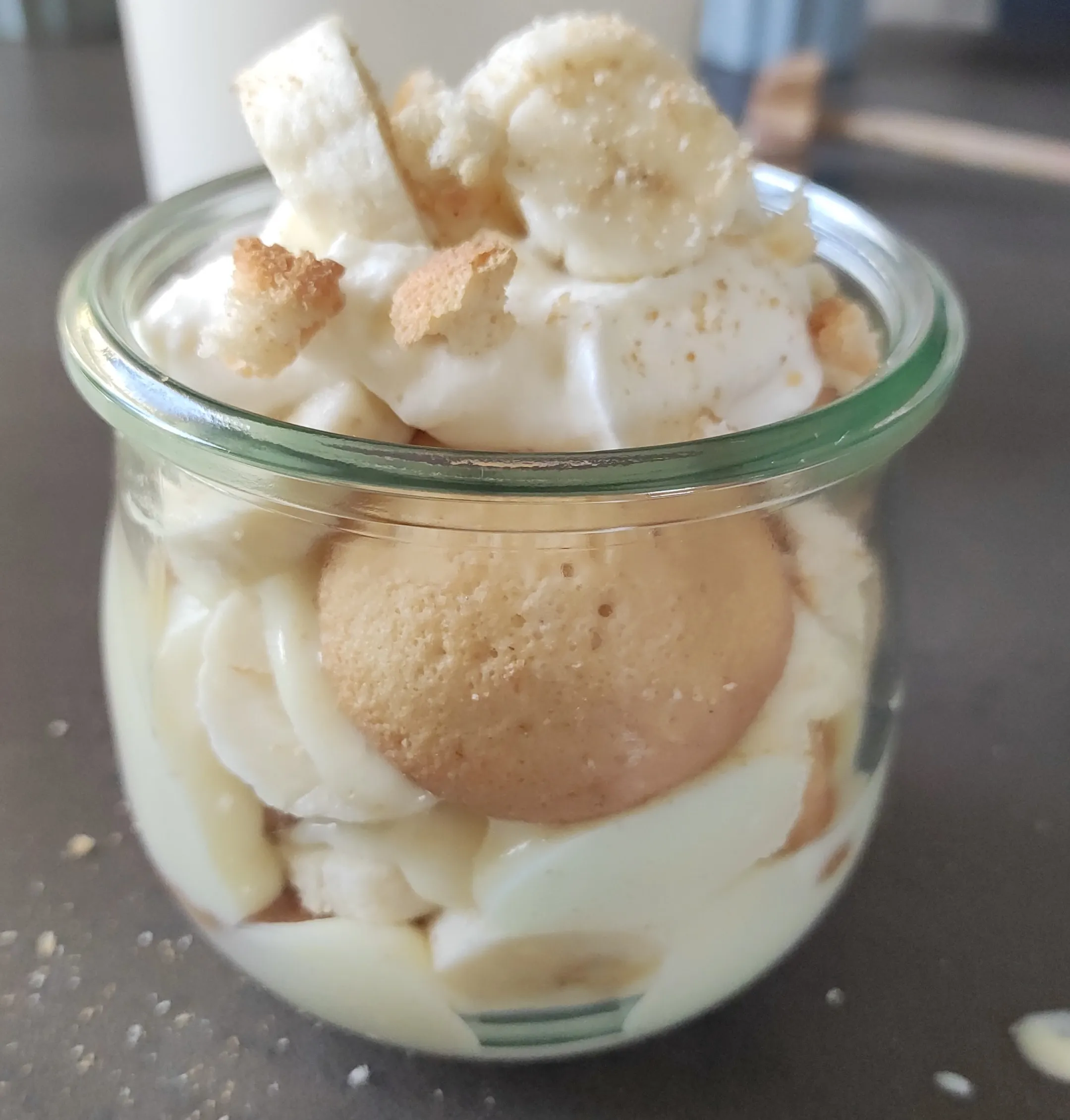
Blurry or out of focus
Do not use macro mode. Keep your phone camera steady or use a tripod for best results.
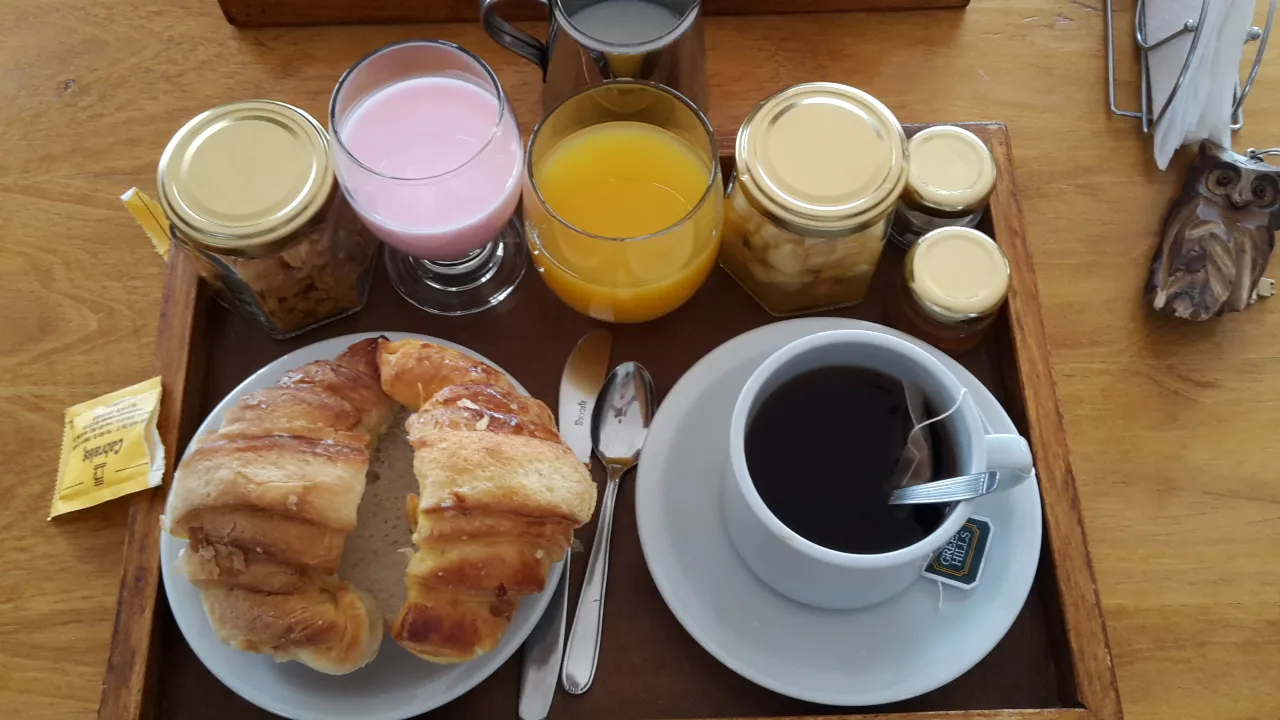
Decor items
Ensure the food is the center of attention and do not use any decor items. They can be added in our editor.
Reference images are used in Custom settings to place your food into your restaurants ambience
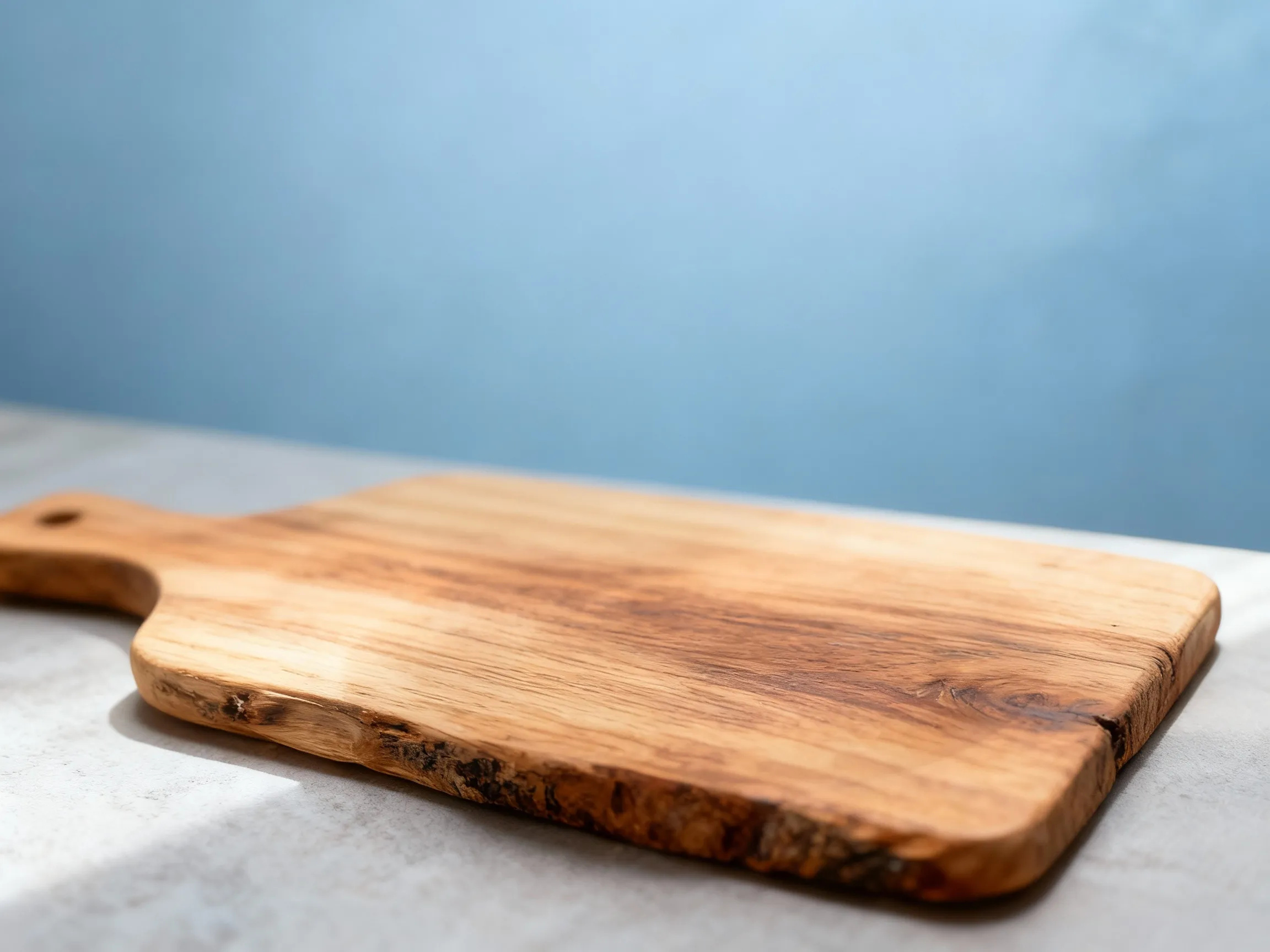
Perfect Reference Images
- High-quality photos of your restaurant interior
- Empty space / table where the food items should be placed
- Good lighting that shows true colors
- Similar angle than your food photo
Simple 4-step process to transform your food photos
Upload Your Photo
Drag and drop or click to select your food photo
Choose Your Style
Select from 5 signature styles or upload a reference image
Generate
Click generate to create your professional photo
Refine & Download
Optionally refine your result, then download your photo
Edit your generated images using simple text prompts. Make unlimited adjustments until your photo is perfect.
Text-Based Editing
Type what you want to change: "remove plate", "replace background", "add warm lighting", or "add cutlery and napkin".
Add Props & Elements
Enhance your composition by adding elements like cutlery, napkins, garnishes, or table decorations through text prompts.
Change Aspect Ratios
Adjust dimensions during refinement: square (1:1) for social media, landscape (16:9) for menus, or other ratios.
Hot Food Photos Better
Fresh, hot food photographs better than cold food. Steam and melted cheese add visual appeal.
Colorful Ingredients Pop
Include colorful garnishes and fresh ingredients. They enhance beautifully with AI processing.
Fill the Frame
Get close to your food. Fill most of the frame with your dish for maximum impact.
Try Multiple Styles
The same photo can look amazing in different styles. Experiment to find your favorite!
Ready to Create Perfect Food Photos?
Start with 10 free credits. No credit card required.