How to Create Endless Food Photos for Social Media From One Photoshoot
Restaurants need 100+ social media posts per year, but most only do 1-2 photoshoots. Here's how to turn your existing food photos into an endless stream of Instagram-ready content using AI scene transformation.
In This Article
- The Social Media Content Problem
- Why Your Existing Food Photos Are Underused
- What Makes a Good Source Photo
- The AI Variation Workflow
- From One Image to Many Posts
- FAQ
The Social Media Content Problem
Creating consistent restaurant social media content is expensive. You need fresh food photos for Instagram, TikTok, and Facebook, but professional photoshoots cost a fortune and take forever.
Brands post an average of 5 times per week on Instagram and TikTok combined.[1] That translates to roughly 250 feed posts per year, not counting Stories, Reels, or additional content for Facebook.
Meanwhile, most restaurants schedule one or two professional photoshoots annually. A typical shoot covers 10-20 dishes and costs anywhere from $75-180 per dish depending on your region. Even at the low end, photographing your entire menu multiple times a year gets expensive fast.
The result? Restaurants either:
- Repost the same images until followers tune out
- Scramble for phone photos that look inconsistent
- Post less frequently and lose algorithmic visibility
None of these options work well when nearly 74% of diners use social media to decide where to eat.[2]
Why Your Existing Food Photos Are Underused
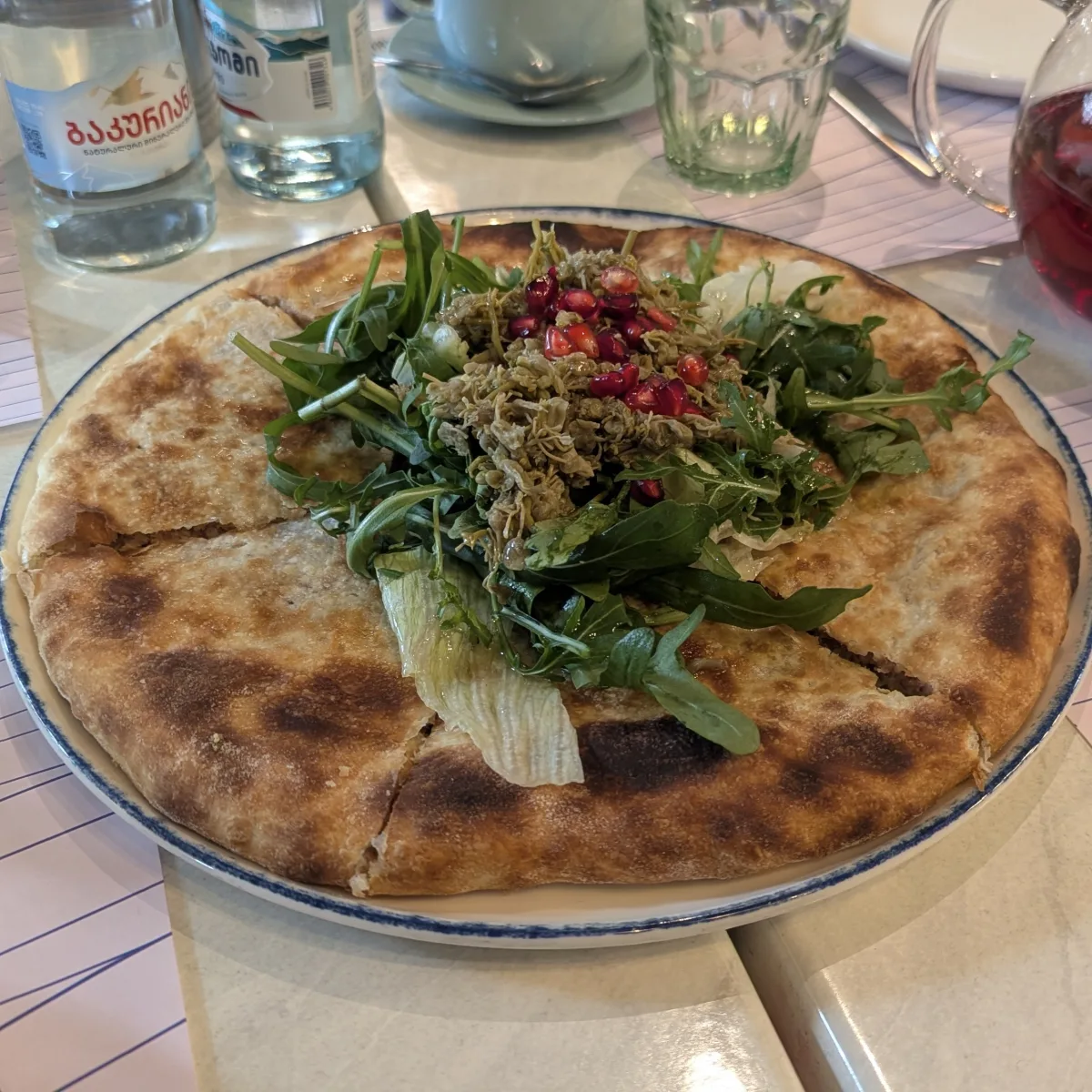
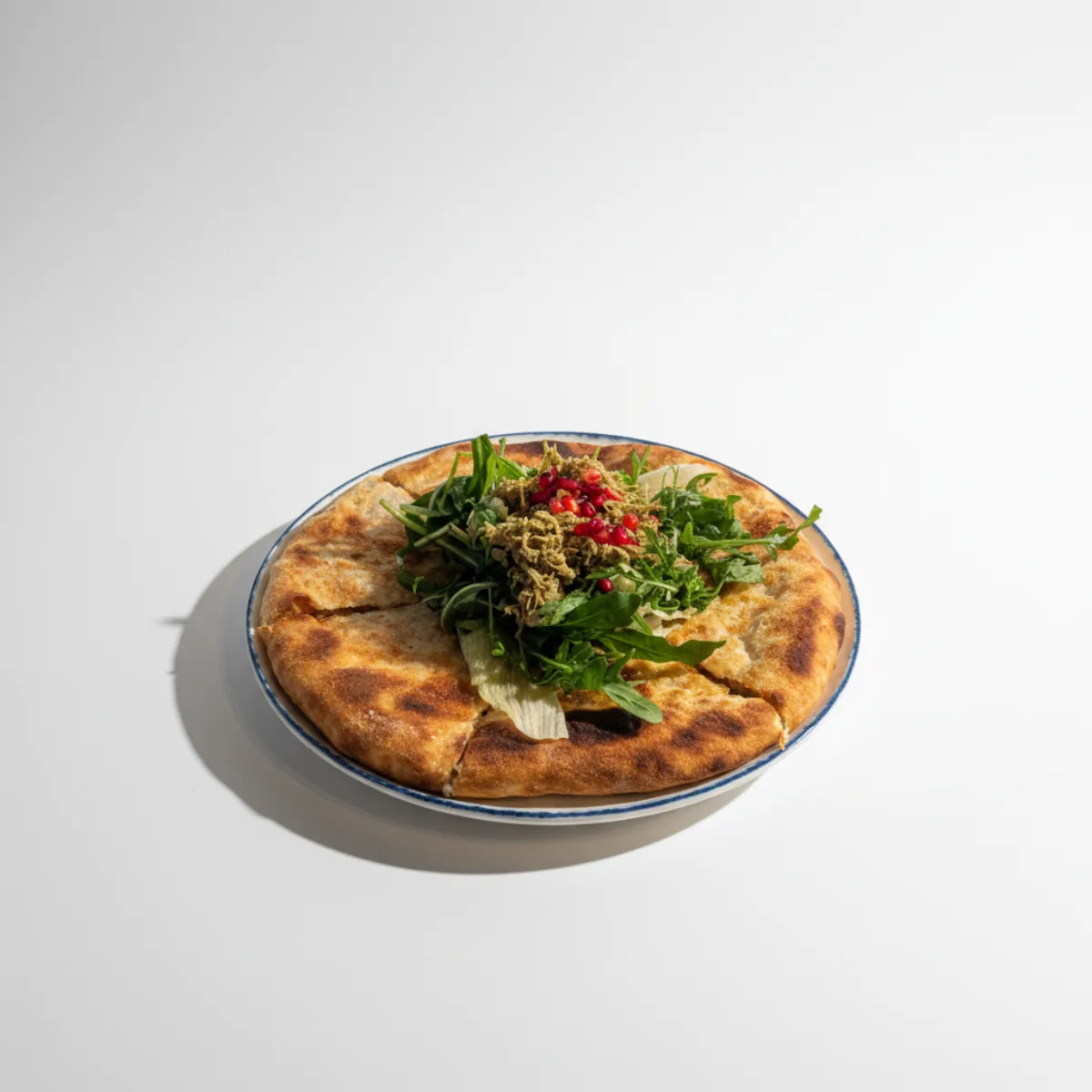
Here's what most restaurant owners miss: you probably already have the raw material for months of social media content. Those professional food photos from your last shoot are sitting in a folder somewhere, used once for the menu and maybe a few Instagram posts.
Professional food photography represents a significant investment. The photographer, the food stylist, the prep time from your kitchen staff. And after all that, most of those images get used exactly once.
The problem isn't the photos. It's that traditional editing only lets you crop, filter, and adjust colors. You can't change the background. You can't add seasonal elements. You can't transform a clean studio shot into a cozy lifestyle scene without literally rebuilding the set and shooting again.
This is where AI scene transformation changes the equation. The same hero shot of your signature dish can become:
- A clean studio image for your delivery platform listings
- A rustic wooden table setting for your Instagram feed
- An outdoor summer scene for seasonal promotions
- A cozy winter atmosphere for holiday marketing
One source photo. Dozens of unique content pieces.
What Makes a Good Source Photo
Not all photos work equally well as source material for AI transformation. The better your input, the better your results.
Professional Studio Photos: The Ideal Starting Point
Studio photos from professional shoots are perfect for AI scene transformation because they already solve the hard problems:
Clean backgrounds give the AI room to work. When your dish is shot against a neutral backdrop, the AI can replace that background with virtually anything without fighting existing visual elements.
Consistent lighting means the food itself looks appetizing. Proper studio lighting eliminates harsh shadows and brings out the colors and textures that make food photography work.
Proper angles showcase the dish at its best. Professional photographers know which angles make burgers look tall, pizzas look loaded, and bowls look inviting.
Sharp focus on the food ensures the main subject stays crisp regardless of what happens around it.
If you have photos from a professional shoot, even if they're a few years old, they're likely excellent candidates for AI transformation.
Phone Photos Can Work Too
Don't have professional photos? Phone shots can produce good results if you follow some guidelines.
The key factors that matter:
- Good natural lighting from a window, not overhead fluorescents
- Clean, uncluttered composition with the food as the clear focus
- Steady hands or a simple tripod for sharp images
- Minimal background distractions that the AI would need to work around
For detailed guidance on capturing phone photos that work well with AI editing, check out our complete photo guide. The techniques that help AI tools also happen to be the fundamentals of good food photography.
What to avoid: dark or unevenly lit shots, busy backgrounds with lots of competing elements, blurry images, and photos where the food is partially cut off or awkwardly framed.
The AI Variation Workflow
Creating content variations with AI follows a simple workflow, but understanding each step helps you get better results.
Step 1: Choose Your Source Image
Start with your strongest photos. Look for dishes that:
- Represent your restaurant well
- Photograph attractively (some dishes just look better than others)
- Have seasonal flexibility (not obviously tied to one time of year)
- Are popular menu items worth promoting repeatedly
Step 2: Select a Style Direction
Different styles serve different purposes in your content calendar:
Studio style produces clean, professional images perfect for delivery platform requirements or website hero images. Minimal distraction, maximum focus on the food.
Rustic and cozy styles create the lifestyle content that performs well on Instagram. Wooden surfaces, warm tones, and homey atmospheres that make people think "I want to eat there."
Outdoor and fresh styles work for summer content, health-focused dishes, or anything you want to feel light and natural.
Seasonal variations let you tie evergreen dishes to specific times of year. The same comfort food dish can feel autumnal with warm tones and harvest elements, or festive with holiday touches.
Step 3: Refine the Details
This is where your content becomes truly unique. After the initial AI generation, you can fine-tune the result:
- Add garnishes or finishing touches to the dish
- Include props like cutlery, napkins, or drinks
- Adjust the background elements
- Add seasonal decorations for holiday content
- Include subtle branding elements
The refinement step transforms generic AI output into content that feels specifically yours. A pasta dish can get a sprinkle of fresh herbs, a bread basket in the corner, or a glass of wine that matches your house selection.
Step 4: Export for Your Platform
Different platforms need different dimensions. Once you have an image you like:
- 1:1 square for classic Instagram posts and Facebook
- 4:5 portrait for Instagram feed (maximum screen space)
- 9:16 vertical for Stories, Reels, and TikTok
- 16:9 landscape for website banners and YouTube
One styled image can export to multiple aspect ratios, multiplying your content without additional editing. For the specific dimension requirements of each platform, see our social media food photography guide.
From One Image to Many Posts
Let's make this concrete. Take a single photo of your best-selling burger.
Week 1: Process in studio style, square format. Clean product shot for your Instagram grid.
Week 2: Same source, rustic style with wooden background and craft paper. Export as 4:5 for feed, 9:16 for Stories.
Week 3: Outdoor style with natural light feel. Perfect for a "spring menu" post even if you shot the burger in January.
Week 4: Use refinement to add fries and a drink to the scene. Now it's a meal combo promotion.
Week 5: Cozy style with warm lighting. "Perfect for a rainy day" content when the weather turns.
That's five weeks of distinct content from one original photo. The burger is recognizable as your burger, but each post feels fresh. Your feed has variety. Your followers see consistent quality without repetition.
Scale this across your top 10-15 dishes and you have months of content planned.
Planning Your Content Calendar
Random posting wastes the potential of this system. A basic content calendar helps you think ahead.
Batch Your Editing Sessions
Rather than processing images one at a time as you need them, set aside time to create content in batches. Process a month's worth of variations in one session. This approach:
- Gets you into a creative flow
- Ensures visual consistency across your feed
- Reduces the "what should I post today" panic
- Lets you plan seasonal content ahead of time
Mix Your Styles
A feed full of identical rustic wooden backgrounds gets boring fast. Alternate between styles:
- Two studio-style posts, then a lifestyle shot
- Seasonal content mixed with evergreen
- Different dishes featured in similar styles to create visual rhythm
Think Seasonally
The beauty of AI transformation is decoupling your content from when you actually photographed it. Shot your summer salads in February? Process them with bright, outdoor styling and schedule them for June.
Plan ahead for:
- Holiday themes (Valentine's Day, St. Patrick's, Thanksgiving)
- Seasonal transitions (first day of summer, fall comfort food season)
- Local events or food holidays relevant to your cuisine
Frequently Asked Questions
Can I really use the same photo multiple times?
Yes, if the styling is different enough. Your audience follows you for the food, not to audit your image library. A burger on a clean white background and the same burger on a rustic wooden table with beer and fries are two different pieces of content, even if you know they started from the same source.
What makes a good source photo for AI transformation?
Clean backgrounds, good lighting, sharp focus on the food, and proper framing. Professional studio photos are ideal because photographers already optimize for these factors. Phone photos work if they have good natural light and minimal background clutter. See our photo guide for specific techniques.
How is this different from Instagram filters?
Filters adjust colors and contrast on your existing image. AI scene transformation actually changes what's in the image. You can replace backgrounds, add props, change the entire setting from studio to outdoor to cozy restaurant interior. It's rebuilding the scene, not just tweaking the colors.
Won't followers notice I'm using the same dishes?
Restaurants have menus. People expect to see your dishes repeatedly. What matters is variety in presentation, not variety in the actual food. A follower who's seen your pasta five different ways is more likely to order it than one who saw it once and forgot.
How many variations can I create from one photo?
There's no technical limit. Practically, 5-10 distinct variations per hero image is reasonable before you're creating variations that feel too similar. With 10-15 strong source photos, that's 50-150 pieces of content, enough for months of posting.
Does this work for video content too?
This approach focuses on still images. Video content like Reels and TikTok require actual footage. However, you can use AI-generated stills as cover images for videos, as part of carousel posts, or as B-roll styled content within video editing.
References
Ready to Transform Your Food Photos?
Join thousands of restaurants and food businesses using AI to create stunning, professional images.
GET STARTED